YouTube lesson launches
A Kenyan educator can launch a YouTube lesson by choosing one learner problem, recording a clear explanation, publishing it with an accurate title and thumbnail, and sharing it through the communities where those learners already participate. Promotion should support a useful lesson, not replace it. Views, likes and subscribers measure different things and none guarantees learning, recommendations, monetisation or enrolment.
Boostrify lists YouTube services, including a Kenya-labelled YouTube likes option. Confirm the live description, price, target rules and delivery terms before ordering. A Kenya label on one service does not mean every YouTube service is Kenyan-targeted.
Start With One Learner and One Outcome
Choose a narrow lesson promise. "Understand algebra" is too broad. "Solve a pair of simultaneous equations using elimination" is easier to teach, title and assess. A business trainer might cover "How to calculate gross margin in a simple shop example". A language tutor might teach one pronunciation problem.
Write the outcome before you record: "By the end, the learner should be able to..." This sentence helps you remove interesting but unnecessary material. It also suggests a useful exercise or question at the end.
Design the Lesson for Attention and Understanding
Open with the problem and what the learner will gain. Then explain the concept in small steps, show one worked example, invite the learner to try a similar example and close with a clear recap. Keep the camera, screen capture or whiteboard focused on the information that matters.
Audio quality is often more important than an expensive background. Record in a quiet room, place the microphone close enough for clear speech, and test a short clip before teaching the full lesson. Use large writing and high contrast so mobile viewers can follow.

Publish With Accurate Information
Your title should tell the learner exactly what the lesson solves. The thumbnail can show the topic in a few readable words. In the description, summarise the lesson, add relevant resources and provide a clear next step such as a worksheet, another lesson or a class enquiry.
YouTube requires creators to choose an audience setting for each video or channel, including whether content is made for children. Set it accurately. You can also choose Public, Unlisted or Private visibility. A public video can be discovered and shared broadly; an unlisted video is available to anyone with the link; a private video is limited to you and selected viewers.
For a public lesson launch, check the final video on a phone before sharing it. Confirm the title, thumbnail, captions, description links and audio. If you use examples involving students, protect personal information and obtain the permissions required for your context.
Choose the Metric That Matches the Goal
Views: Exposure to a Specific Lesson
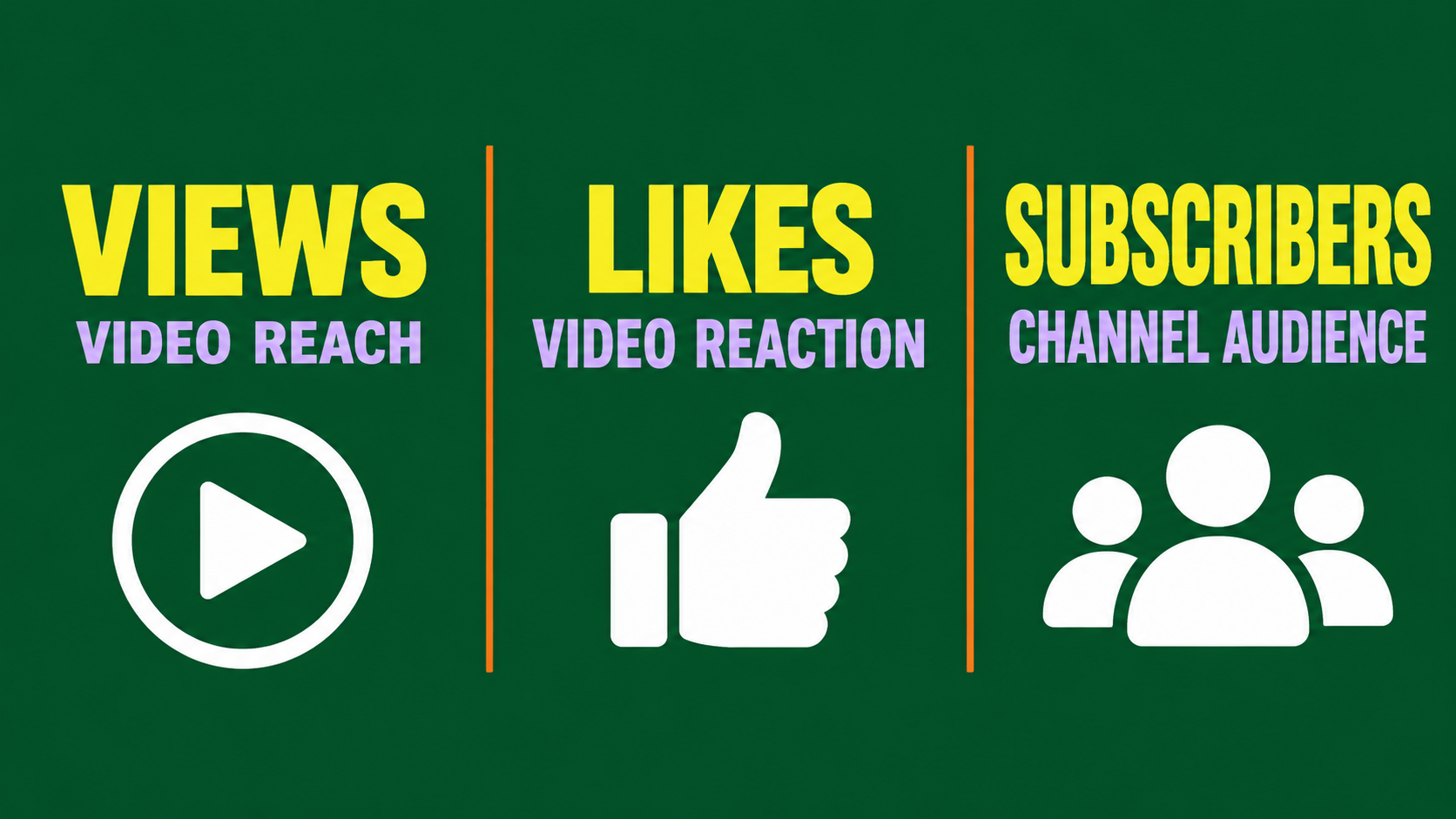
Views are attached to the video. They may be the closest visible metric when your goal is to put one lesson in front of more viewers. However, a view count does not tell you whether a learner watched long enough, understood the topic or contacted you.
Likes: Visible Reaction to a Specific Lesson
Likes are reactions on the video. A like count is not the same as watch time, completion or qualified interest. If you consider the Kenya-labelled Boostrify likes service, verify what the listing actually promises and use the exact public video URL accepted by the service.
Subscribers: The Channel Audience
Subscribers follow the channel rather than one lesson. They can be relevant when you publish a series, but a subscriber order is not a shortcut to an engaged class or YouTube monetisation. Track returning viewers and interest in later lessons separately.
Use a Practical Launch Sequence
- Prepare: Write the learner outcome, lesson outline, worked example and closing exercise.
- Record: Test sound, lighting and on-screen readability, then record the cleanest explanation you can.
- Publish: Use an accurate title, readable thumbnail, useful description and correct audience and visibility settings.
- Share organically: Send the lesson to relevant students, alumni, parent communities, professional groups or email subscribers where appropriate. Explain the benefit instead of dropping a bare link.
- Promote carefully: If you consider a Boostrify service, match it to the metric, read the current conditions and begin with a small eligible quantity.
- Review: Check watch duration, retention points, comments, resource clicks and genuine enquiries, not only the public count.
Respect YouTube's Engagement Rules
YouTube's fake engagement policy says the platform does not allow artificial increases to views, likes, subscribers and other metrics. It also prohibits content that links to or promotes third-party services designed to inflate those metrics. A service seller's description does not override YouTube's policy, so review it before deciding whether to buy engagement.
Do not mention a purchased engagement service in your video, description or comments as a way to inflate metrics. Do not use sub-for-sub schemes or mislead people into watching. YouTube allows creators to encourage genuine viewers to like, share, comment or subscribe, which is different from artificial engagement.
Boostrify's own terms also say users are responsible for complying with platform rules and accept the risk of use. The terms do not guarantee permanence and say orders can take time to begin. If platform risk is not acceptable for your channel, rely on organic distribution and official advertising options instead.
Measure Whether the Lesson Worked
Open YouTube Analytics after enough viewers have had a chance to watch. Look at average view duration, audience retention, traffic sources and returning viewers. YouTube describes the Engagement tab as a place to review watch time and average view duration. A sharp drop may reveal a slow introduction or confusing explanation.
Add a simple learning check. Ask viewers to solve one problem, download a worksheet or answer a question in the comments when appropriate. For a paid class, use a separate enquiry link so you can distinguish learning interest from a public platform metric.
Example Launch Plan for a Nairobi Tutor
Imagine a mathematics tutor publishing a ten-minute lesson for Form 2 learners. This is a hypothetical example. The tutor records a clear worked example, uploads it as Public, shares it with existing students and an opted-in parent list, and asks viewers to try one follow-up question. The tutor tracks watch duration and worksheet requests.
If the tutor still wants paid promotion, they first compare the exact Boostrify YouTube listings, check the target and delivery notes, and choose only a metric that fits the lesson. They do not claim that likes prove learning or that subscribers guarantee future attendance.
Your Next Step
Finish the lesson before buying attention. Watch it on a phone, confirm the title and link, and write down the one metric you actually need. Then review Boostrify's current services and terms alongside YouTube's rules. A careful launch protects the value of your teaching and makes the results easier to interpret.
